
Self-Sufficiency Center
We're here for your whole family. 💕
From weekly groceries to a navigator in your corner for the long haul, the Family Resource Center wraps around Compass families with the real-life support that makes everything else possible.
🎁 Holiday gift assistance sign-up is open!
Sign-up happens only in the Throughline app this year. There's no paper form, so make sure you're signed up in the app by November 12.
Get the Throughline by Pathways app
Our Family Resource App is the new home for FRC services. In it you can:
- 🛒 Preorder groceries & essentials
- 📝 Apply for assistance
- 🧭 Connect with a navigator
- 🎁 Sign up for holiday gifts
- ✨ And more
🌐 Any phone or computer
The quickest way in. Open your web browser and go to app.btownpathways.org.
Open app.btownpathways.org🤖 Android phones
You can install the app on your phone today. It takes about 5 minutes. Follow the steps below.
Get the download link🍎 iPhones
The iPhone app is coming soon, hang tight! Until then, use the web link at app.btownpathways.org.
Use the web versionInstalling on Android, step by step
The app is brand new, so it isn't searchable in the Google Play Store yet. Google reviews new apps first. Until then, you'll use a special link from our instruction sheet (on paper? just scan the QR code with your phone's camera). Steps 2 through 8 turn on one Play Store setting so the link works.
- Open the linkOn your Android phone, tap the link on the instruction sheet or scan its QR code.
- Tap "Google Play settings"You'll probably see a message that Internal app sharing is turned off. Tap the underlined words.
- Open "About"Tap About to open that section.
- Tap the version 7 timesFind Play Store version (it says "Version: 53…"). Tap it 7 times in a row until a message says you're a developer.
- Close "About"Tap About again to close it.
- Open "General"Scroll back up and tap General.
- Tap "Developer options"Scroll down and tap it.
- Turn on Internal app sharingTap the switch. It turns blue when it's on.
- Download the app! 🎉Go back to the link from step 1, tap it again, then tap Install. You're done!
Stuck? No problem. Email Katie at kbroadfoot@btownpathways.org and she'll help you get set up.

Support that meets you where you are
The Family Resource Center exists because a child can't thrive if their family is struggling. So we support the whole family, with practical help today and a path toward lasting stability.
Whether you need groceries this week, help with a bill, or a navigator who believes in your long-term goals, we've got you. All services are free or income-based for Compass families.
Three ways we can help
Stock your fridge. Skip the stress.
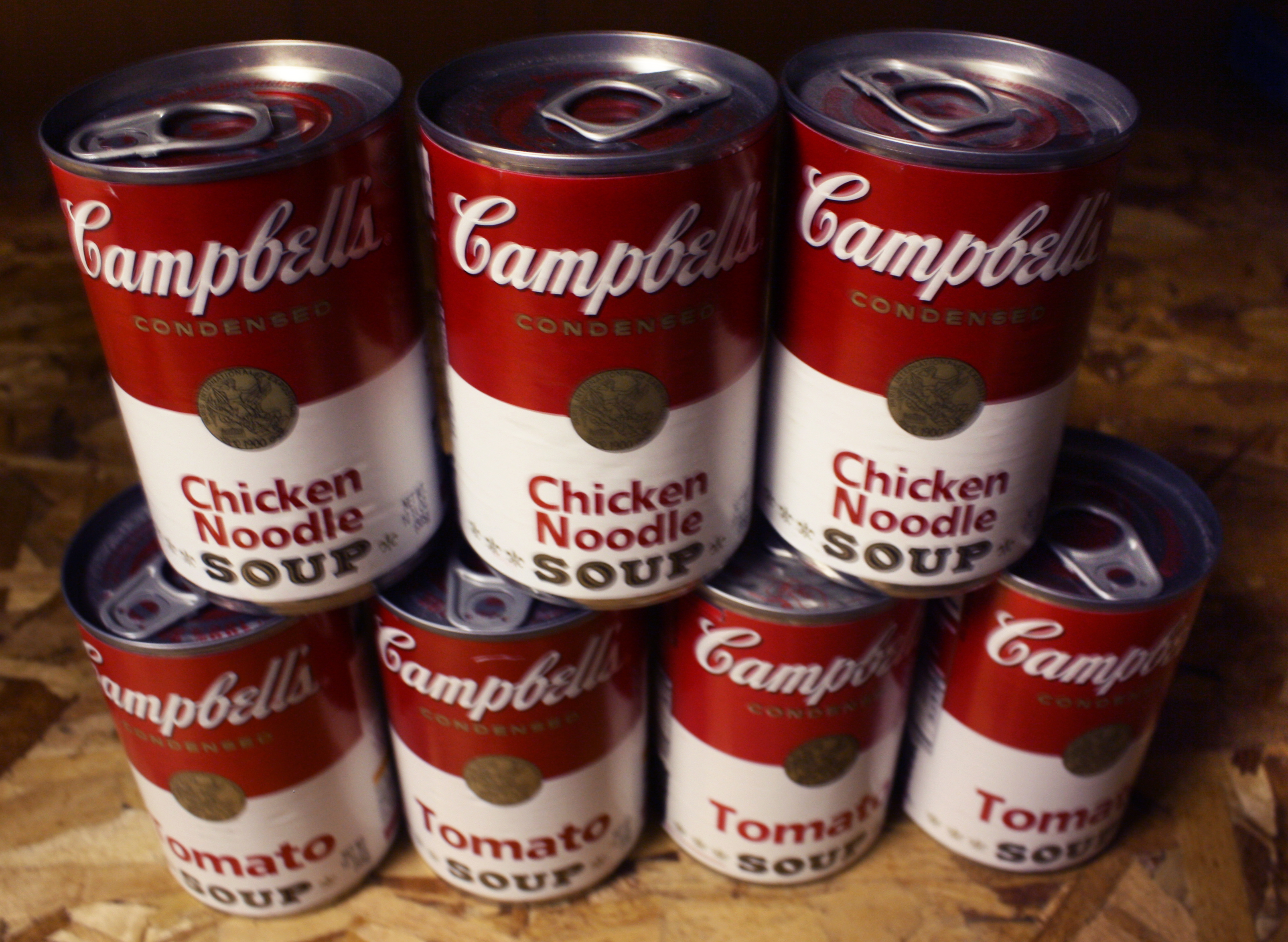
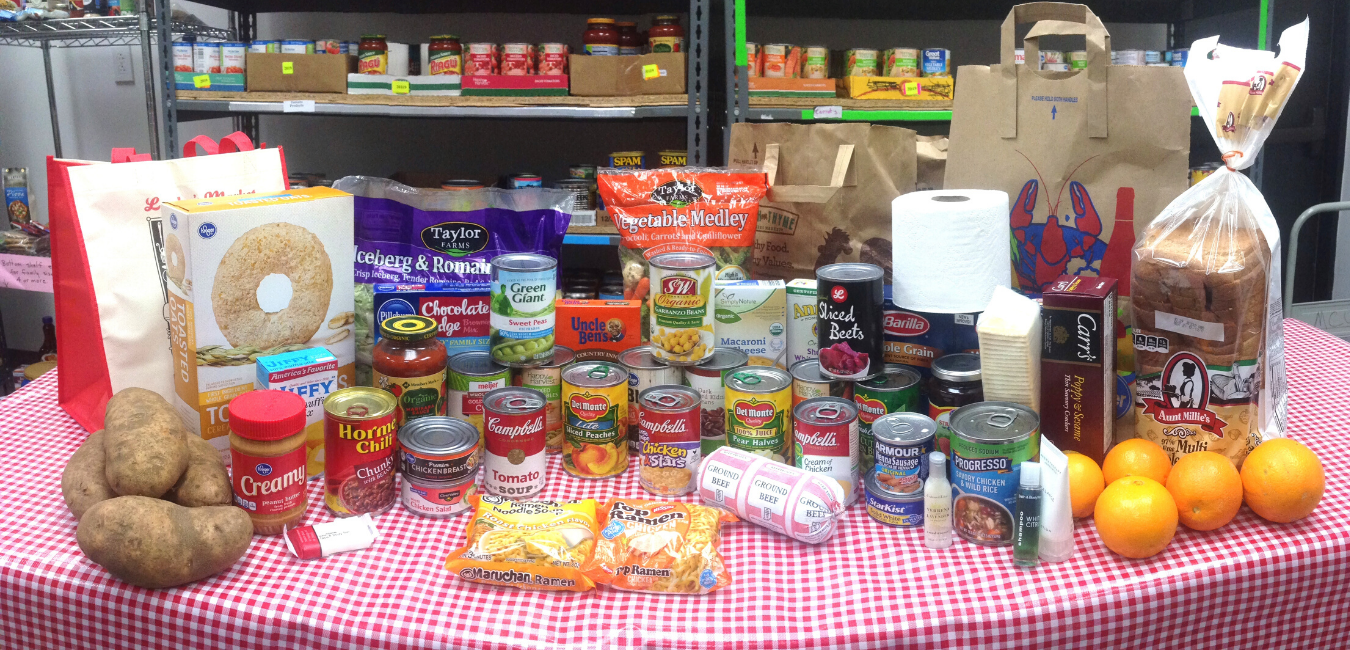
Preorder in the app, then pick up a full bag of groceries right at Compass during your child's pick-up time. That's time, money, and a store trip saved.
- Pantry staples
- Fresh produce
- Frozen foods
- Milk, cheese & meat
- Cleaning & hygiene products
Help when a bill feels impossible.
Life happens. When it does, the Opportunity Fund can help bridge the gap, covering costs that stand between your family and stability.
- Rent, mortgage & utilities
- Car purchase or repair
- Debt consolidation
- Books, classes & education
- Extracurriculars for kids
A navigator. A plan. A future you design.
Your Path pairs you with a dedicated navigator for a multi-year journey toward economic mobility, on your terms, at your pace, toward your goals.
- Housing & family stability
- Career & education goals
- Savings & debt management
- Personal wellness
- Whatever matters most to you
More than a program. A partnership.
Your Path is a 2–3 year relationship with a navigator for custodial parents who are ready to work toward something bigger. Your navigator meets you where you are, celebrating wins, problem-solving setbacks, and keeping you moving forward.
The value of Your Path depends on your participation and your goals. There's no ceiling on what's possible when someone is truly in your corner.

Real people, ready to help
Not sure where to start?
That's okay, that's literally what we're here for. Open the app to connect with a navigator, or email our team and someone will help you figure out what's available for your family.