
Basic Needs Assistance
Groceries for the week, ready at pickup.
Preorder your bag in the Throughline app, then grab it at Compass when you pick up your child. No extra trip to the store.
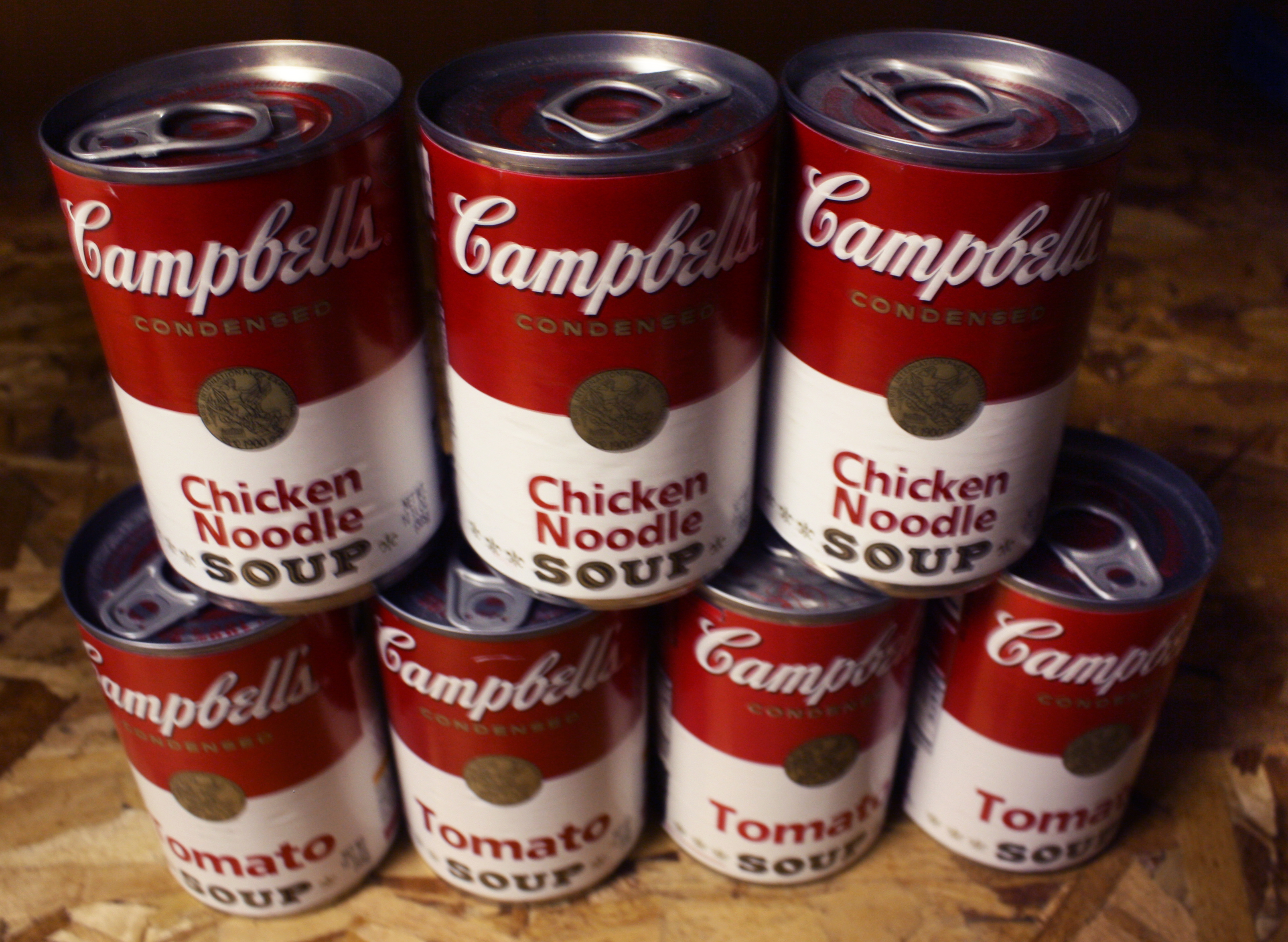
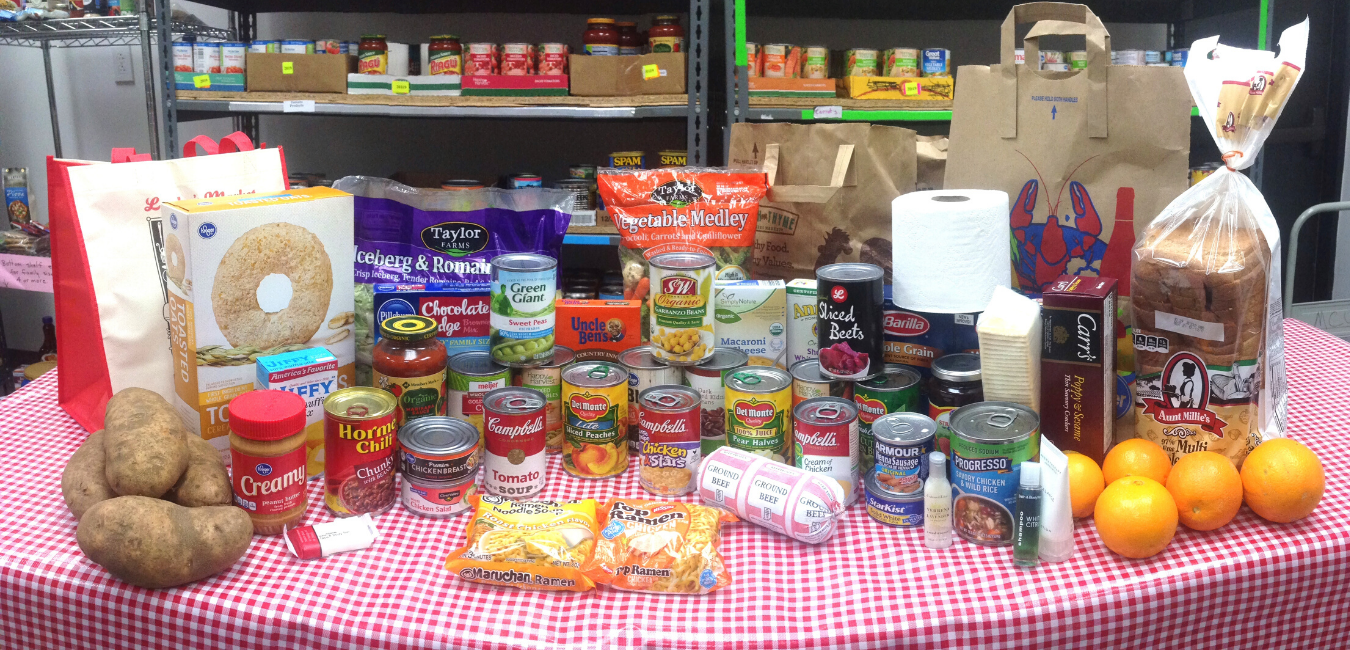

What's in the bag
That's money back in your budget, and one less stop on a busy day.
- Pantry staplesCanned goods, grains and more
- Fresh produceFruits and vegetables
- Frozen foodsEasy meals for busy nights
- Milk, cheese & meatProtein and dairy
- Cleaning suppliesFor around the house
- Hygiene productsPersonal care items
How it works
-
Open the app
Go to app.btownpathways.org on any phone or computer, or use the Throughline app on your Android phone.
-
Preorder your bag
Choose your groceries and essentials for the week right in the app.
-
Pick it up at Compass
Your bag is ready at Compass during your child's pick-up time.
Get the Throughline by Pathways app
All grocery orders now happen in our Family Resource App. You can also apply for assistance and connect with a navigator there.
🌐 Any phone or computer
The quickest way in. Open your web browser and go to app.btownpathways.org.
Open the app🤖 Android phones
Install the app on your phone. It takes about 5 minutes with our step-by-step guide.
Android install guide🍎 iPhones
The iPhone app is coming soon! Until then, use the web version at app.btownpathways.org.
Use the web versionStuck? Email Katie at kbroadfoot@btownpathways.org and she'll help you get set up.
Questions about your groceries?
Reach out to Jacky Perez, our Essential Services Specialist, at jperez@btownpathways.org, or email the FRC team at frc@btownpathways.org.